
Deleting column contents |
|


This can be useful when preparing training tools, for example.
The column itself remains: only its contents are deleted.
|
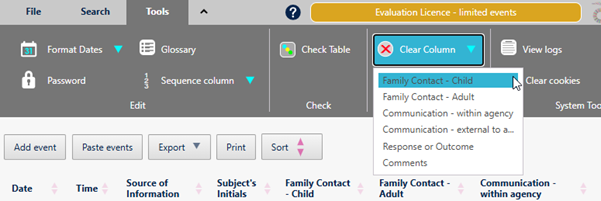
Press Tools > Obfuscate > Clear Column |
|
|
Choose the desired column from the list that is displayed.
|
|

.png)
Copyright © Berrick Computing Ltd 2026