
Using a password |
|


|
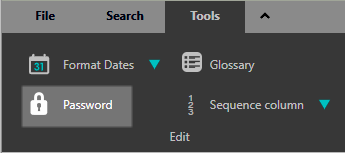
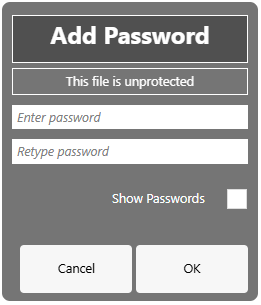
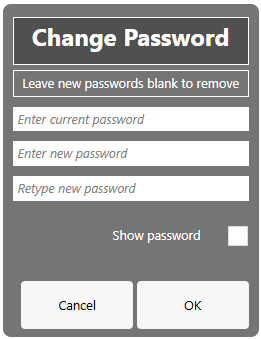
Press Tools > Edit > Password to add, change, or remove a password. |
|
|
Enter the required information in the subsequent form.
|
|
.png)
Copyright © Berrick Computing Ltd 2026