
Using Author Notes |
|


As you review the chronology, you might want to add some notes.
What is an Author Note?
Author Notes are events whose Source of Information column contains a single word starting with one of the characters # ^ ¬ ~. Other columns in the event - except Date and Time columns - are not checked for errors.
How do you create an Author Note?
Add or change an event in the Table presentation to add an Author Note. Either use the  button next to the event, or right-click on it to display this Context menu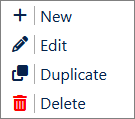
In the Source of Information column, type a single word beginning with one of the characters # ^ ¬ ~.
You can add an Author Note wherever you like; give it a Date and Time to put it in the relevant place in the chronology. If you want it to be at the start of the chronology, but not to appear in the Timeline views, give it a date in the year 0100.
How to use the notes - some suggestions
|
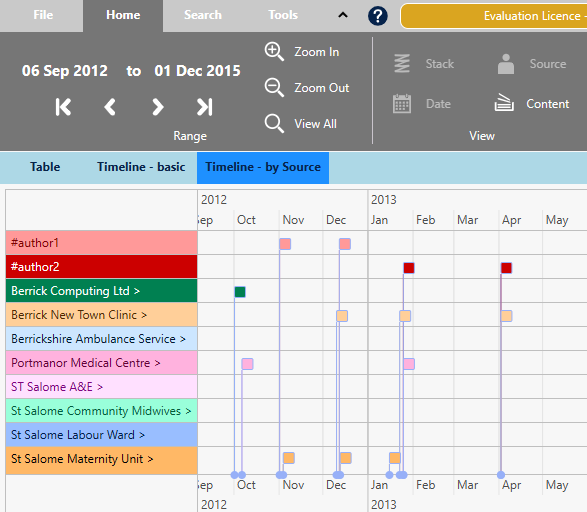
Being in the Source of Information column, each 'author' gets its own track on the Timeline - by Source presentation in the Chronolator Review tool. With that in mind, it is best to keep the number of different 'authors' to a minimum. In this picture, two authors have added notes: |
|
|
If several authors add notes, you might also find it useful to add their names to the Abbreviations Glossary. That way, you will not forget who was who if you leave the review for a long while. |
|
|
You will also be able to take advantage of the suggestions as you type in a Glossary Search (see Searching and filtering events). |
|
.png)
.png)
See also
Using tags to review a chronology
Copyright © Berrick Computing Ltd 2026