
Sorting the chronology |
|


Manual sort
You can sort the table by using the buttons above it.

 The triangles above each column sort by that column. You can sort by multiple columns by holding the Shift button as you click.
The triangles in the Sort button restore the standard Chronolator sort.
Sort settings
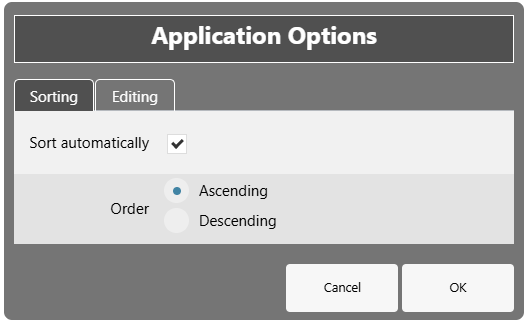
Press File > Options > Settings to set the default sort order and specify whether the chronology should be automatically sorted whenever events are added, changed, or deleted.
Copyright © Berrick Computing Ltd 2026